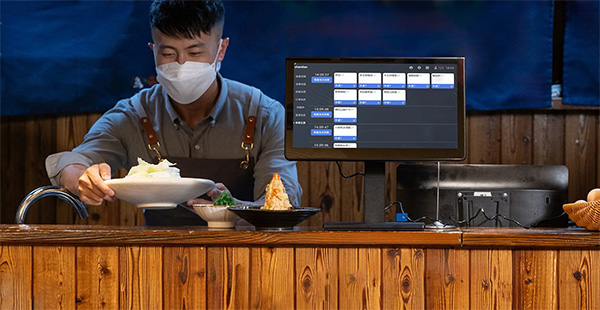
Main dashboard
Your whole business at a glance.

Real-time business overview
See sales, inventory and customer activity in real time from one dashboard.
POS cash register
Fast, easy checkout.

Quick checkout
A clean screen for fast barcode scanning and payment.

Payment processing
Accepts several payment methods, including cash, card and mobile payments.
Inventory management
Keep track of every product on your shelves.

Product catalogue
Organize products by category, with quick search and filters.

Stock tracking
Real-time inventory levels with low stock alerts and reorder suggestions.

Customers & membership
Reward your regulars with a built-in membership program.

Member lookup
Find a customer by phone number, name or membership number.

Loyalty program
Points-based rewards, with points calculated and redeemed automatically.
Reports & analytics
Clear reports to help you make better decisions.

Sales reports
Detailed sales analysis with charts and graphs.

Product performance
See your best sellers and spot opportunities to grow.
Multi-store management
Manage several locations from one dashboard.
Centralized control
Monitor and manage all your store locations from a single dashboard.

Works on any device
Use OTPOS on a phone, tablet or PC.

Mobile POS
Full POS functionality on tablets and mobile devices.

Tablet interface
A touch-friendly layout for tablets.

Mobile reports
Access reports and analytics on the go.
Try the POS software yourself
Create a free account, or download the free POS software and try it on your own computer. No monthly fees.