
Address Labeler: address label printing software
Paste an address and print a clean Canada Post or USPS shipping label on your thermal label printer. Runs on Windows and Mac, works offline, and built for small businesses that ship every day.
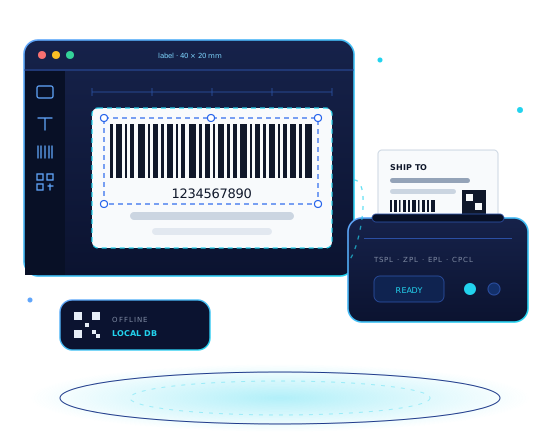
Address and shipping label printing, simplified
A simple interface for printing Canada Post and USPS address labels
Offline First
Works offline — no internet needed to print labels
Smart Parsing
Paste an address and it is split into fields automatically, with manual editing
Multi-Protocol Support
Supports TSPL, ZPL, EPL, and CPCL printer command sets
QBO Ready
Optional QuickBooks Online integration to import customer addresses
Download the free trial
Address Labeler offers a free 15-day trial for Windows and macOS, with full feature access and no credit card required. It works with the thermal label printers and labels in our shop.
Windows Version
Windows 10/11 • 64-bit
v1.1.3 • Released October 15, 2025
macOS Version
macOS 10.15+ • Intel/Apple Silicon
v1.1.3 • Universal (Apple Silicon & Intel)
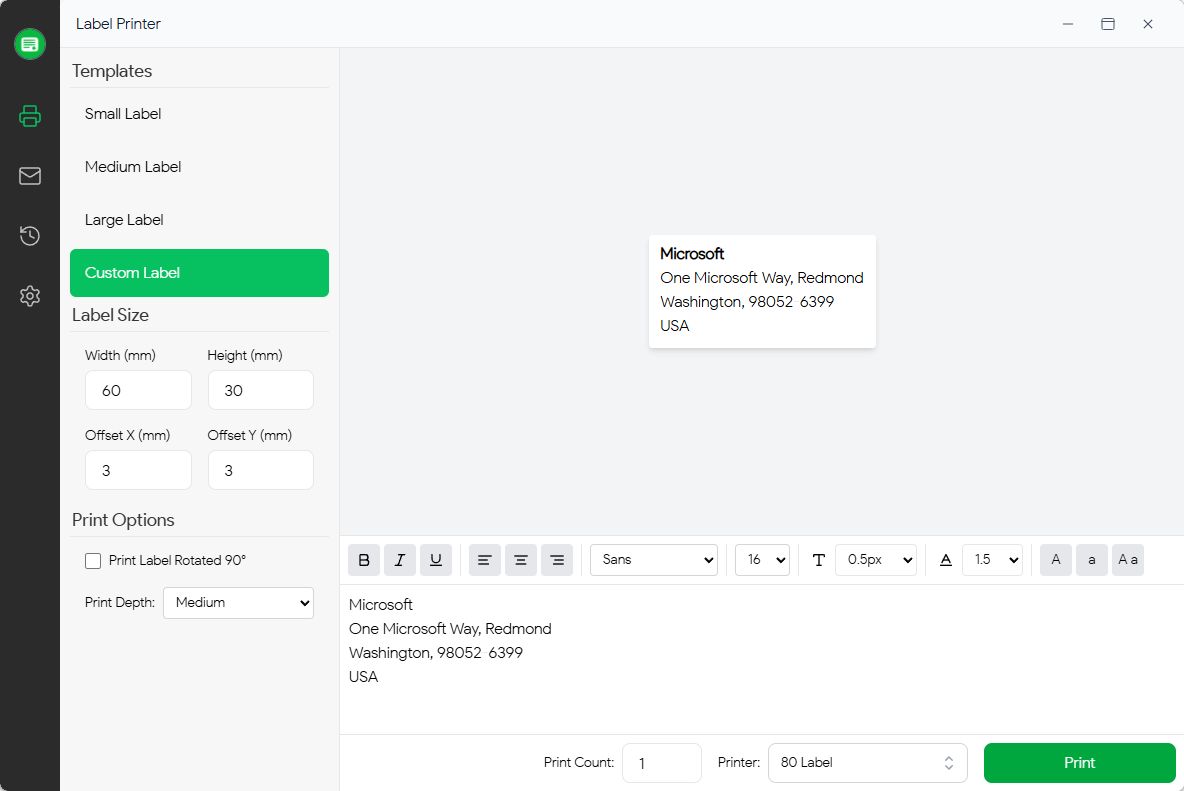
Advanced Features
Tools for fast, accurate shipping labels
Address Management
Paste an address and the parser extracts the name, street, city, province or state, postal or ZIP code, and country. Edit any field by hand before printing.
Custom Templates
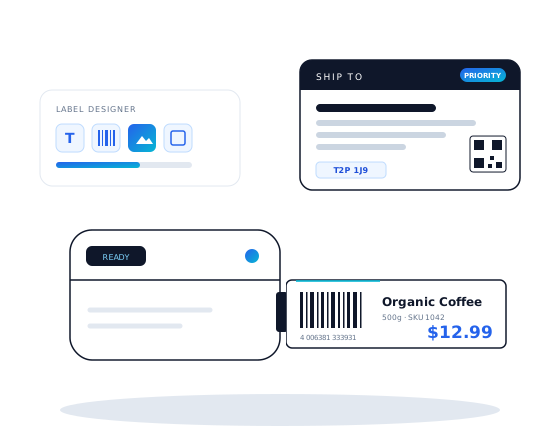
Create label templates with configurable sizes, spacing and layouts — from small address labels to 4″ × 6″ shipping labels — with a real-time preview.
Multi-Protocol Printer Support
Native support for TSPL, ZPL, EPL and CPCL thermal printers over USB or serial, with high-resolution output and precise positioning.
QuickBooks Integration
Optional, secure (OAuth 2.0) connection to QuickBooks Online. Import customers and sync their addresses.
Secure Local Storage
All data is stored locally on your computer. Nothing is uploaded, so you keep full control of your customer addresses.
Multi-language Support
International address formats supported. Interface available in multiple languages with English as default.
Technical Specifications
| System Requirements | |
|---|---|
| Operating system | Windows 10+ · macOS 10.15+ |
| Printer port | USB/Serial port for printer |
| Technology Stack | |
| Platform | Cross-platform Desktop Application |
| Database | Local Storage |
| UI Framework | Modern UI with Tailwind CSS |
| Licence & Support | |
| Licence | Free 15-day trial, full features, no credit card |
| Updates | Regular releases |
| Latest | v1.1.3 (October 15, 2025) |
| Support | Community & documentation |
Print your next shipping label with Address Labeler
Download the free trial and print Canada Post and USPS labels quickly. Every feature is included for 15 days.